





Clear space
Keep x clear on every side.
Nothing enters the zone defined by one bar width—not type, image edges, rules, or another logo.

Pascal Home Services · Brand guidelines
A calm, exact identity for the team that keeps a home working—before small problems become expensive ones.

01
The identity is one supplied wordmark and one three-bar symbol. The system gets its character from proportion and restraint, not decoration.

Use when Pascal is already clear from the surrounding context.

The default signature when introducing or identifying Pascal.

Use only where the symbol already appears nearby or space is constrained.
Profile artwork
Use square artwork for profiles and app stores. Use round artwork only for a circular crop. Square: 20%. Round: 26%.




Construction
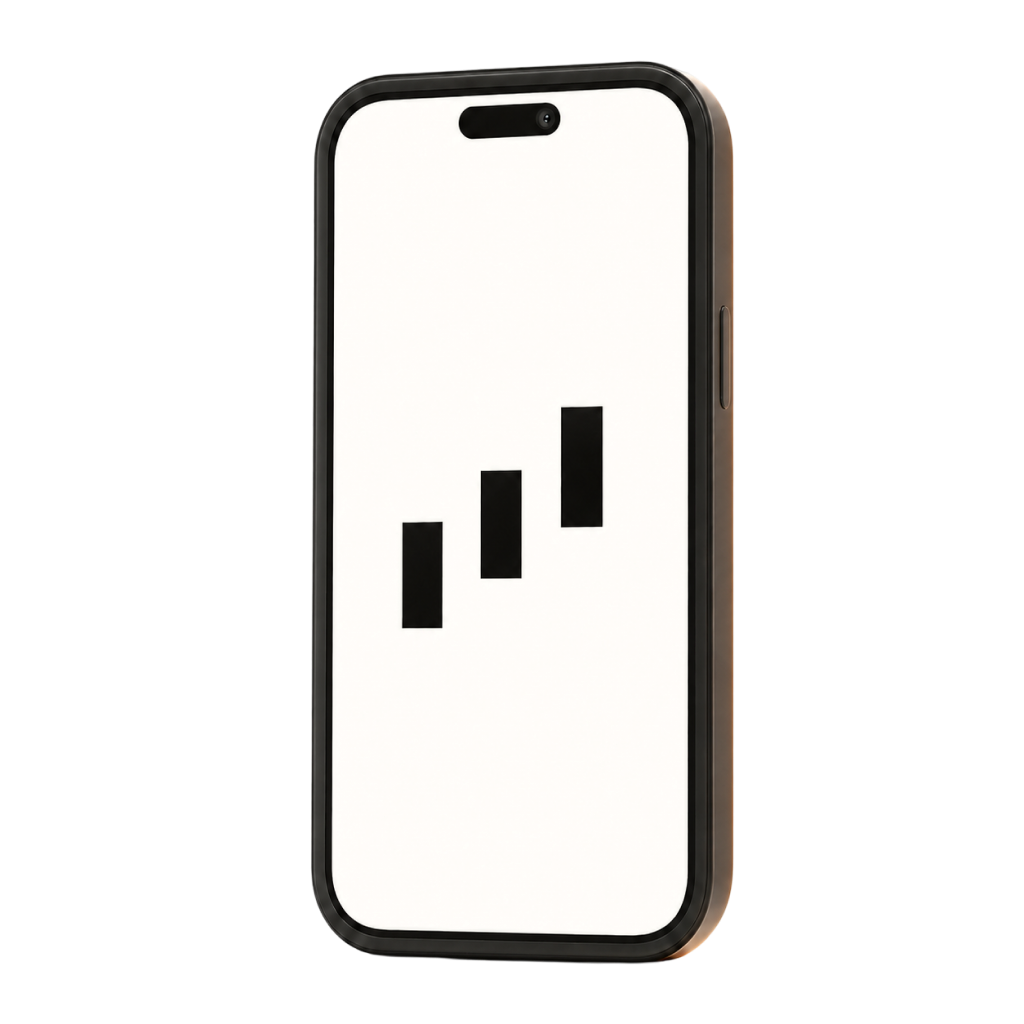
The symbol is fixed to a 100 × 100 unit canvas. Every bar is 20 × 40 units; every gap is 20 units; every step rises by 30 units.
Clear space
Nothing enters the zone defined by one bar width—not type, image edges, rules, or another logo.
Lockup spacing
The 1.9x gap is part of the artwork. Always use the supplied lockup rather than rebuilding it with live type.
The logo is the symbol plus the supplied title-case wordmark. Never write PASCAL, never add a comma, and never embed “Home Services” inside the artwork. The business descriptor belongs in nearby copy.
Use the supplied vector lockup with its original proportions.
Do not type, uppercase, or substitute the wordmark.
,Do not append punctuation, suffixes, or a descriptor.
Do not stretch, rotate, outline, round, or shadow the logo.
Do not recolor the logo—even with a Pascal brand color. Use Pascal ink on white.
02
Poppins and Barlow define the marketing voice. Geist and Geist Mono are secondary system faces for product interfaces and technical values.
Primary marketing pair
Use Poppins to create one memorable focal point. Use Barlow for every supporting layer that needs to stay compact, clear, and easy to scan.
Your home, on autopilot.
One trusted team for every major system in your home.
Combination
Poppins creates the expressive layer. Barlow handles the label, lead, body, and action copy without competing with it.
Your home, on autopilot.
One trusted team for every major system in your home.
Preventive visits, priority support, and a clear record of what your home needs next.
Secondary system alternative
Geist and Geist Mono are not alternate marketing fonts. Reserve Geist for controls and product screens; reserve Geist Mono for IDs, times, and technical readouts.
Your technician will review the HVAC system, plumbing, and roof.
VISIT_024Line breaks
Adjust the text width first. If a break is required, place it between complete ideas—not inside one.
Your home,on autopilot.
Keep “on autopilot” together as one complete idea.Your home, onautopilot.
Never leave a preposition stranded at the end of a line.Numbers
Use tabular numerals in the surrounding face for prices, times, and comparison columns. Reserve Geist Mono for identifiers or technical readouts.
03
White space carries the system. Ink defines it. Orange appears once, where attention genuinely matters.
#171717Identity, display type, primary action
#FFFFFFCanonical page and artwork ground
#62615DSupporting copy and technical detail
#047857Correct usage and approved states
#DBF5ECBackground behind approval icons
#F26A2EOne deliberate signal
04
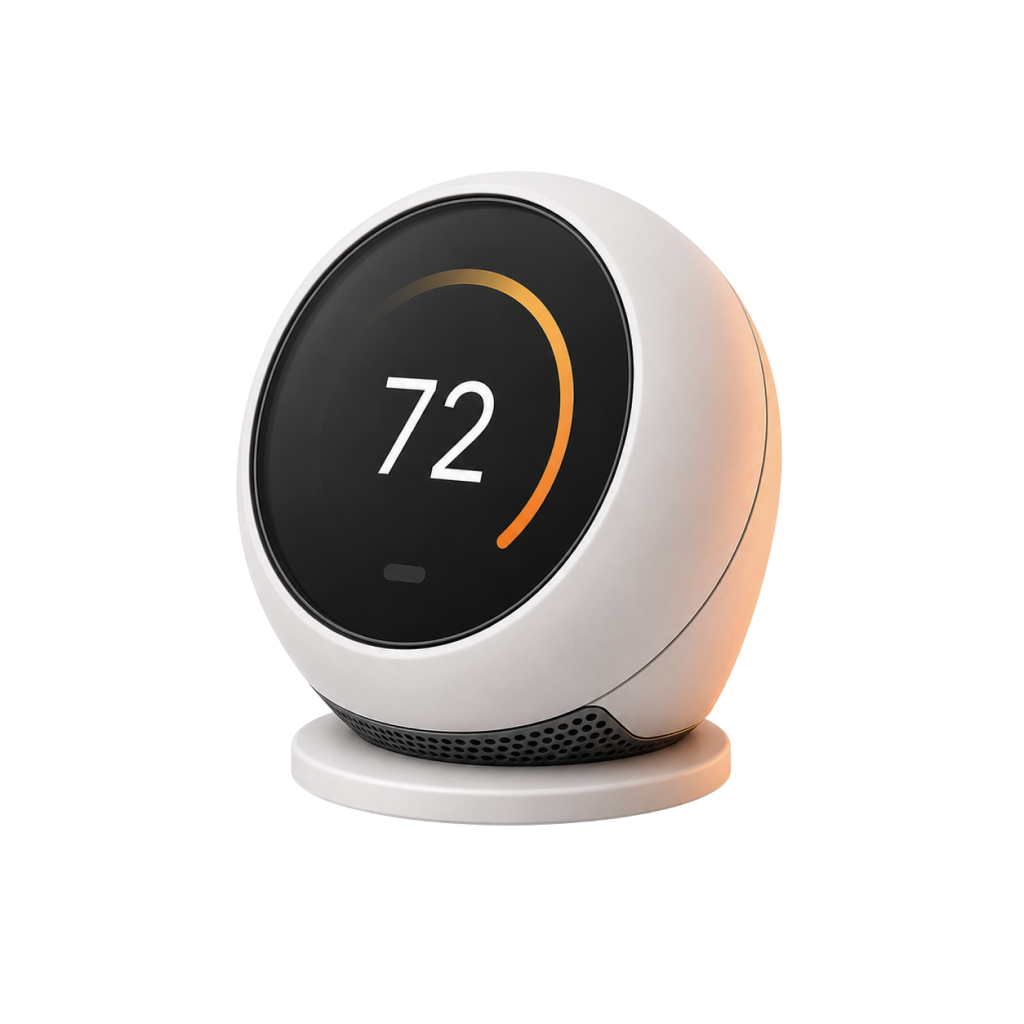
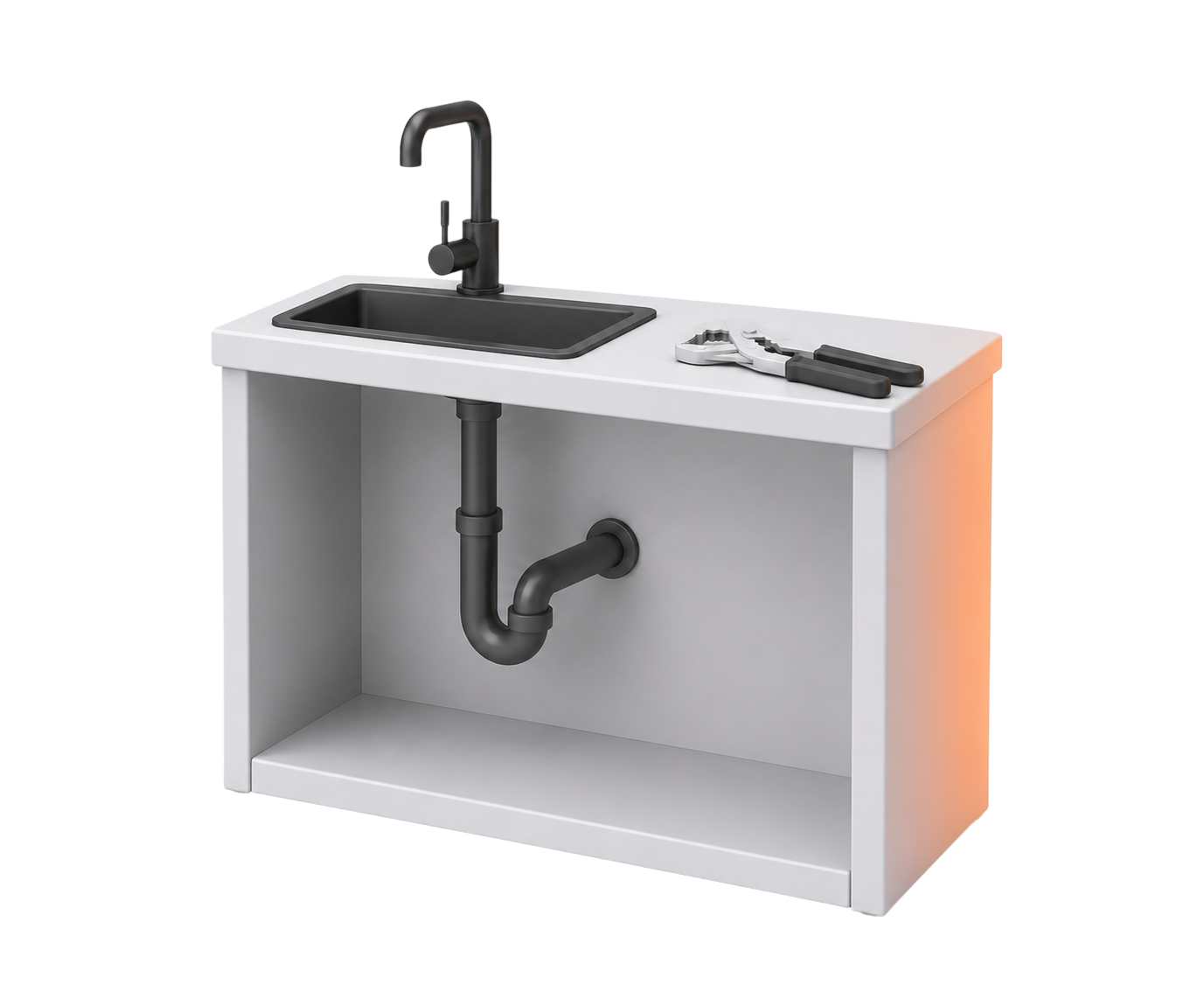
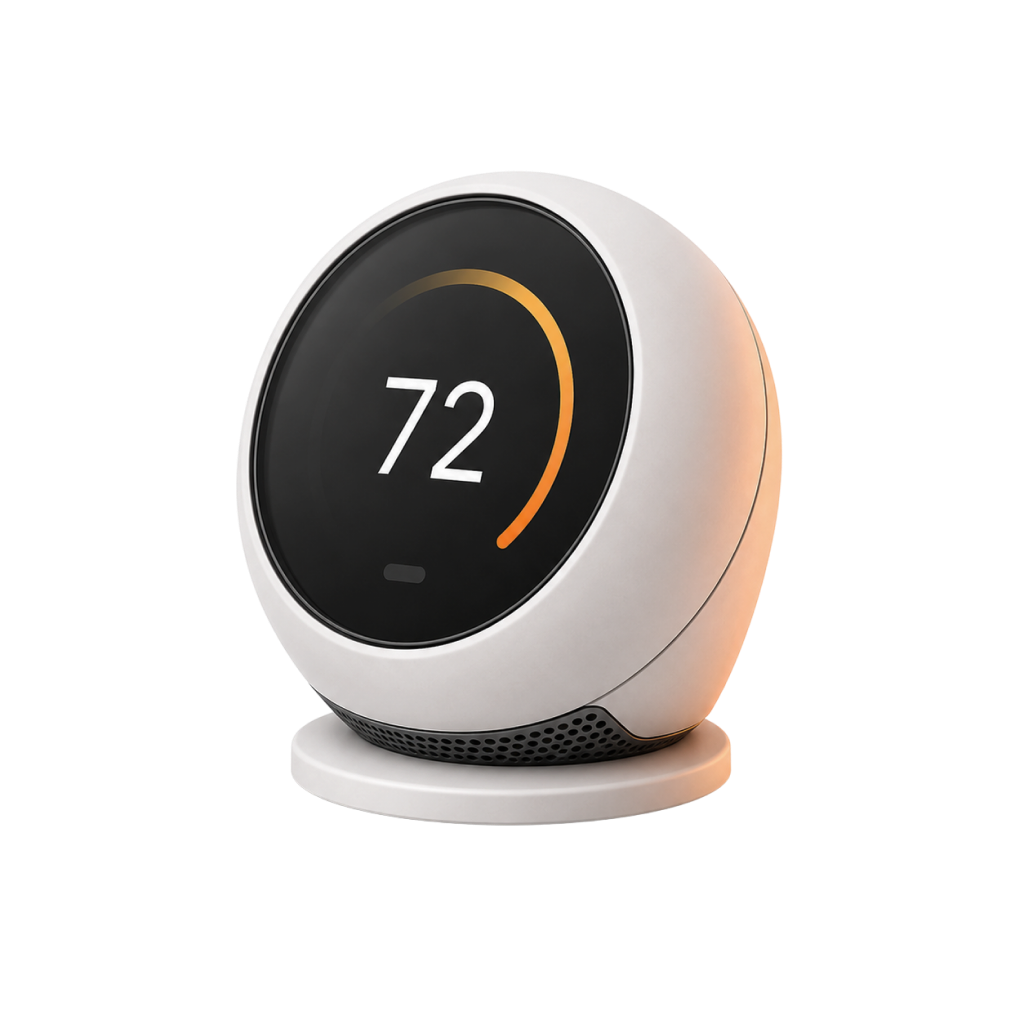
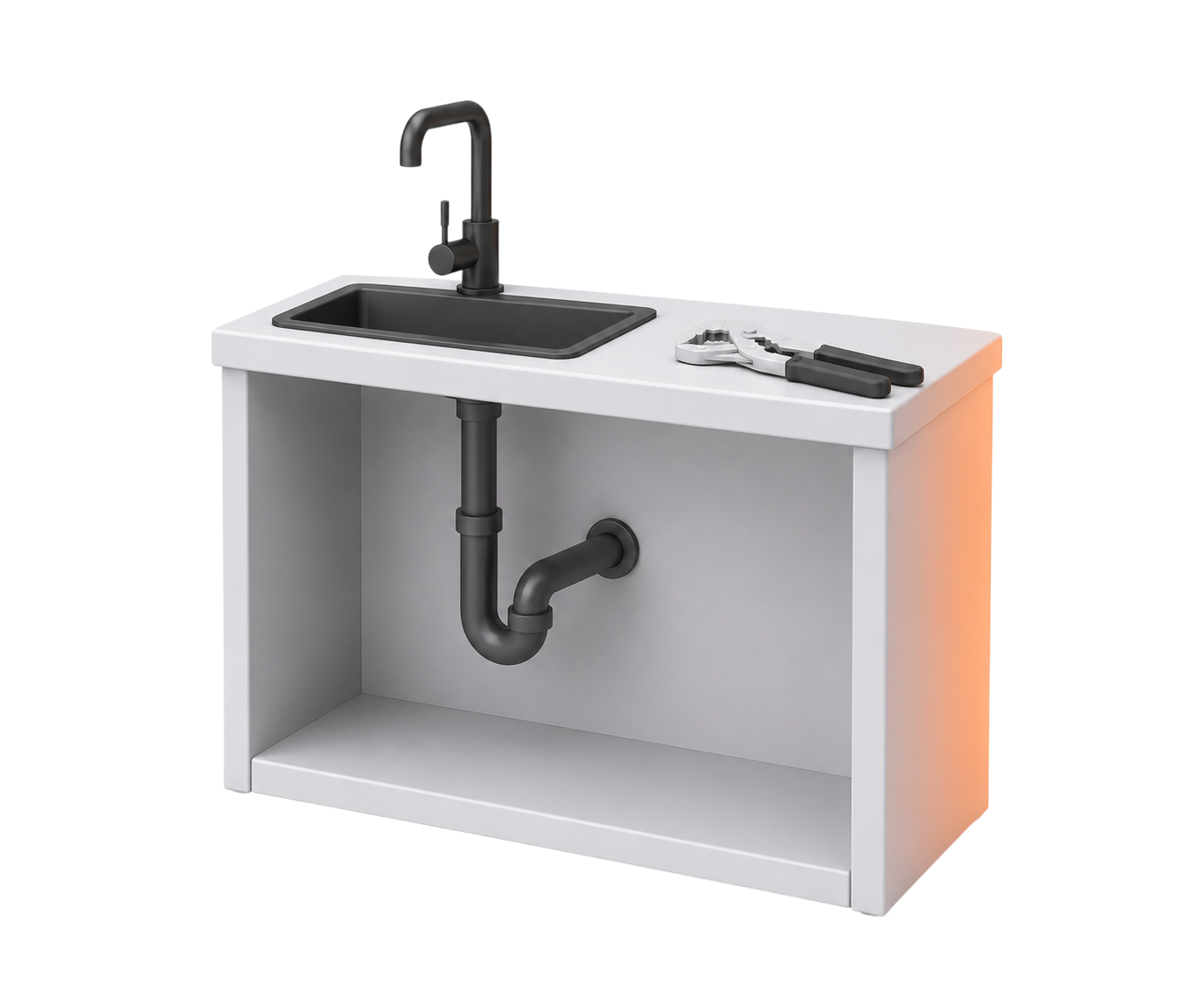
Pascal icons are isolated product objects photographed in one consistent studio—not stickers, scenes, or miniature rooms.
Keep the source transparent, then present it on a pure white ground with a soft contact shadow.
Show the complete object with 12–16% breathing room and no environmental scene.
White polymer, graphite functional parts, and restrained satin metal.
Near-front by default; restrained three-quarter only when it improves recognition.
One subtle right-edge light. Never distribute orange decoratively.
Keep a 1024 px or larger master. Never enlarge a thumbnail into brand artwork.



05
Reusable image masters for Pascal content.


06
Use the live references to understand composition. Use the production files for handoff.
Social sharing
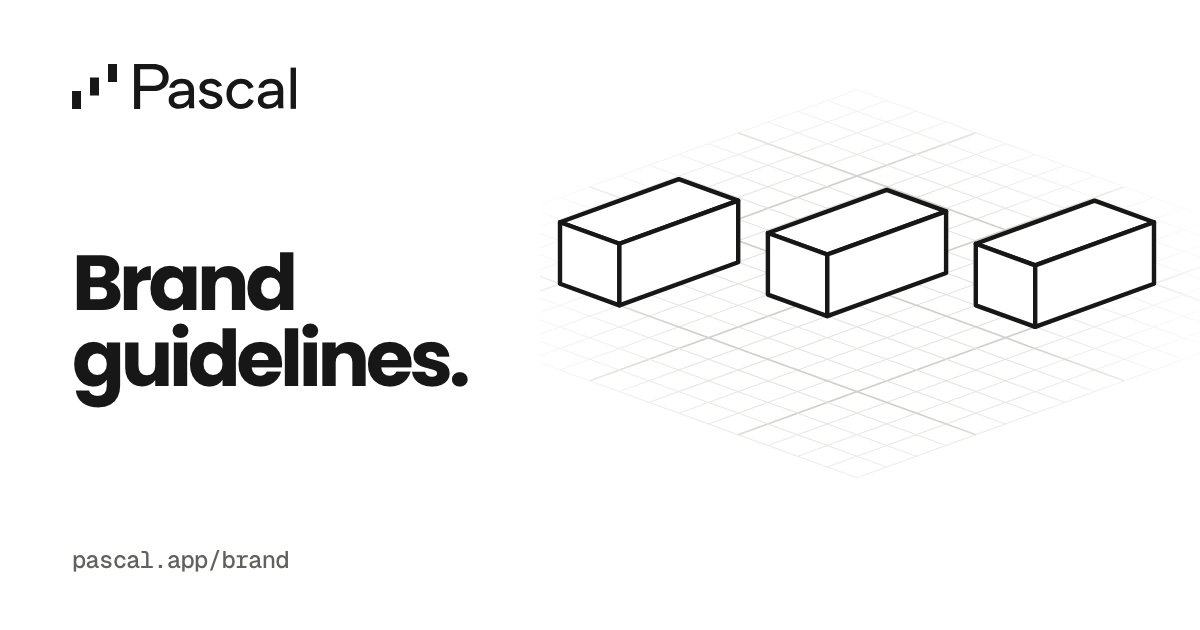
Use one clear message and a quiet construction study of the Pascal mark. This is the canonical 1200 × 630 preview for the brand guidelines page.

Two-page US Letter overview and plan comparison.

Editable half-letter leave-behinds with contact fields.

Double-sided vendor artwork with bleed and safety geometry.